 senn-tech
Mobile warehouse & shipping app
Reference client: Logistics and trading group in Tyrol, Austria · ~100 employees · 4 sites
Customer data in copy and images has been neutralised.
Starting point
Warehouse operations thrive on speed: goods receipt, stock transfers, order picking, shipping. Every transaction entered on a computer instead of a handheld device involves extra steps and leads to data entry errors.
Standard warehouse software didn't fit the company's own processes, and every customization requested from the vendor cost time and license fees.
The hard part
A handheld scanner is not a small smartphone. The screen is small, it is operated with gloves, in the chilled area the window fogs up, and the Wi-Fi has holes between the racks. An interface that convinces at a desk is often unusable in the warehouse. The test does not happen in the office but between the shelves.
The most important difference from an ordinary app, though, is the consequence of a mistake. Every transaction is a stock movement. What goes wrong here is not a display bug but an inventory discrepancy, and that surfaces weeks later, when nobody remembers where it came from.
Then the most awkward class of fault of all: the silent one. A list that is too long and therefore truncated looks exactly like a complete one on a small screen. You only ever see a few lines anyway.
Solution
A mobile warehouse app for handheld scanners was developed: seven workflows (goods receipt, stock transfer, inventory, order picking, shipping, loading control, and journal) all handled directly on the device, with barcode scanning every second.
Labels come straight from the process without any detours: carrier labels for four package and freight forwarding service providers are sent directly via ZPL to Zebra printers. No label, no completion. This enforces clean processes.
Behind the scenes, a lean Rust backend with over 300 API endpoints interfaces directly with the ERP and warehouse database; a native Android version is already in testing, running in parallel with the production web app.
How it is built
Behind the app runs a lean backend written in Rust with more than 300 endpoints straight against the ERP and the warehouse database. The choice is deliberate. A handheld workflow lives on short response times, and there must be no pause for thought between scan and confirmation, or the operator has long since scanned on before anything was booked at all.
Seven workflows are in production: goods receipt, stock transfer, stocktaking, picking, shipping, loading control and journal. Each is usable on its own. Nobody has to work through a main menu to move a pallet.
Labels are produced inside the workflow rather than beside it, and carrier labels for four service providers go straight in printer language to the label printers, without anyone walking back to a computer in between. Without a printed label there is no completion. The constraint is intentional.
The journal records every movement with timestamp, device and the person who made it; which makes it troubleshooting and evidence at once, and over 1.2 million movements have been recorded since launch.
Day-to-day operation
The web app runs in production, a native Android version in parallel trial. Both talk to the same backend, and because they do, changeovers happen device by device rather than as a cut-off date for an entire warehouse that has to ship that day anyway.
New versions ship signed and are checked on a single device in live operation before they go out to all the others, because a warehouse cannot be stopped for half an hour just to roll back an app.
In day-to-day work the journal is the most important tool. When a question comes back from accounting, who booked what and when is visible in seconds, instead of somebody having to reconstruct the transaction from memory.
Outcome
Over 1.2 million warehouse transactions have been logged since the launch a little over half a year ago, each one recorded on the device rather than at a desk.
Data entry errors are caught where they occur, and the mandatory use of labels makes incomplete transactions impossible.
What we learned
An interface that leaves data out has to say so. Otherwise it is saying: there is nothing more. The question for every list is how the user can tell this is not the full set. If they cannot, the device shows a result that is not one.
Wi-Fi with holes is part of the design and not a disruption. The moment without a connection decides whether an app gets used in the warehouse: what a transaction does with no network has to be visible on the device. Otherwise the scan is simply repeated, and booking twice is a discrepancy.
Delivery has a trap of its own too. If a new build is moved over the existing path instead of copied into it, it replaces the file without the serving process noticing: it keeps the old one open and carries on distributing it. You then hunt for a bug in a version that never reached the devices at all. Half a day you lose exactly once.
Other projects we run
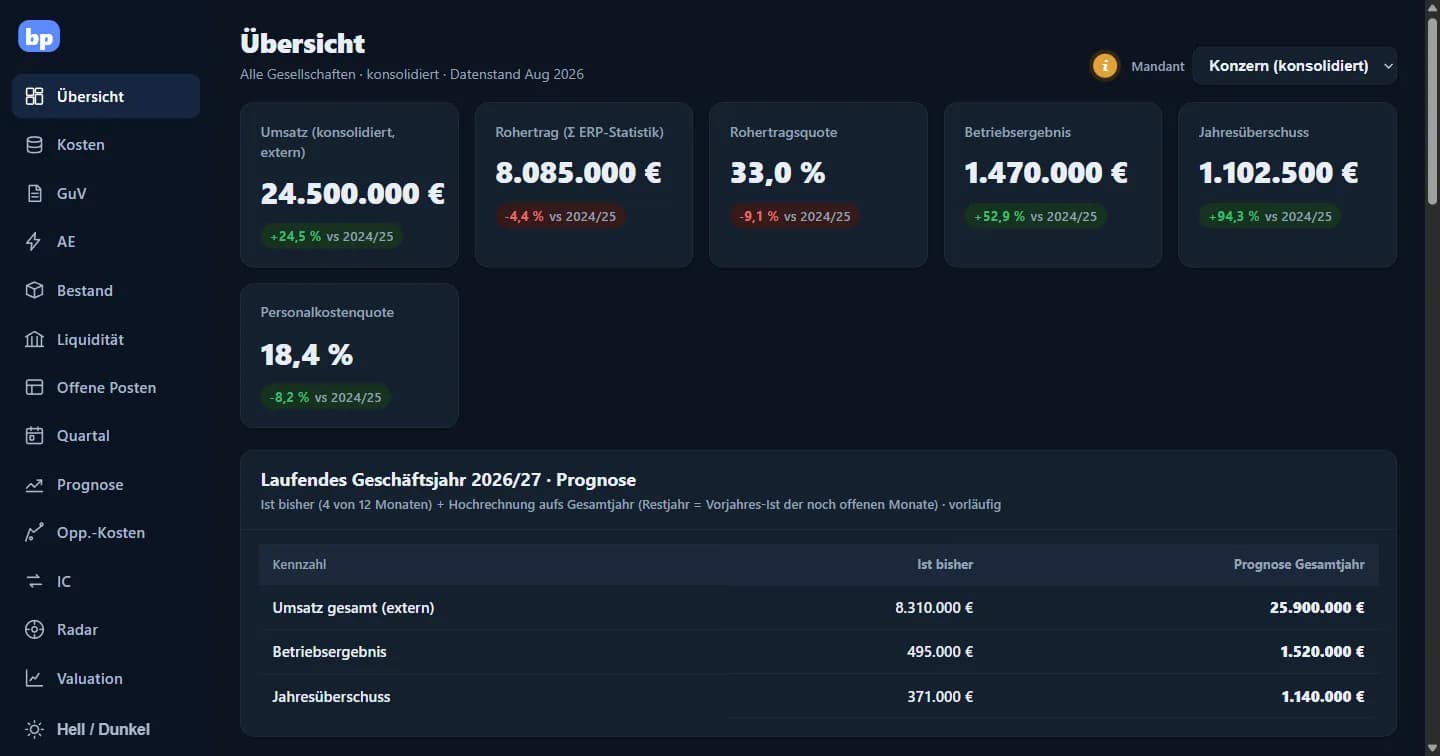
BI & controlling apps for management
From Excel chaos to a group cockpit: numbers for Monday morning and not month-end.
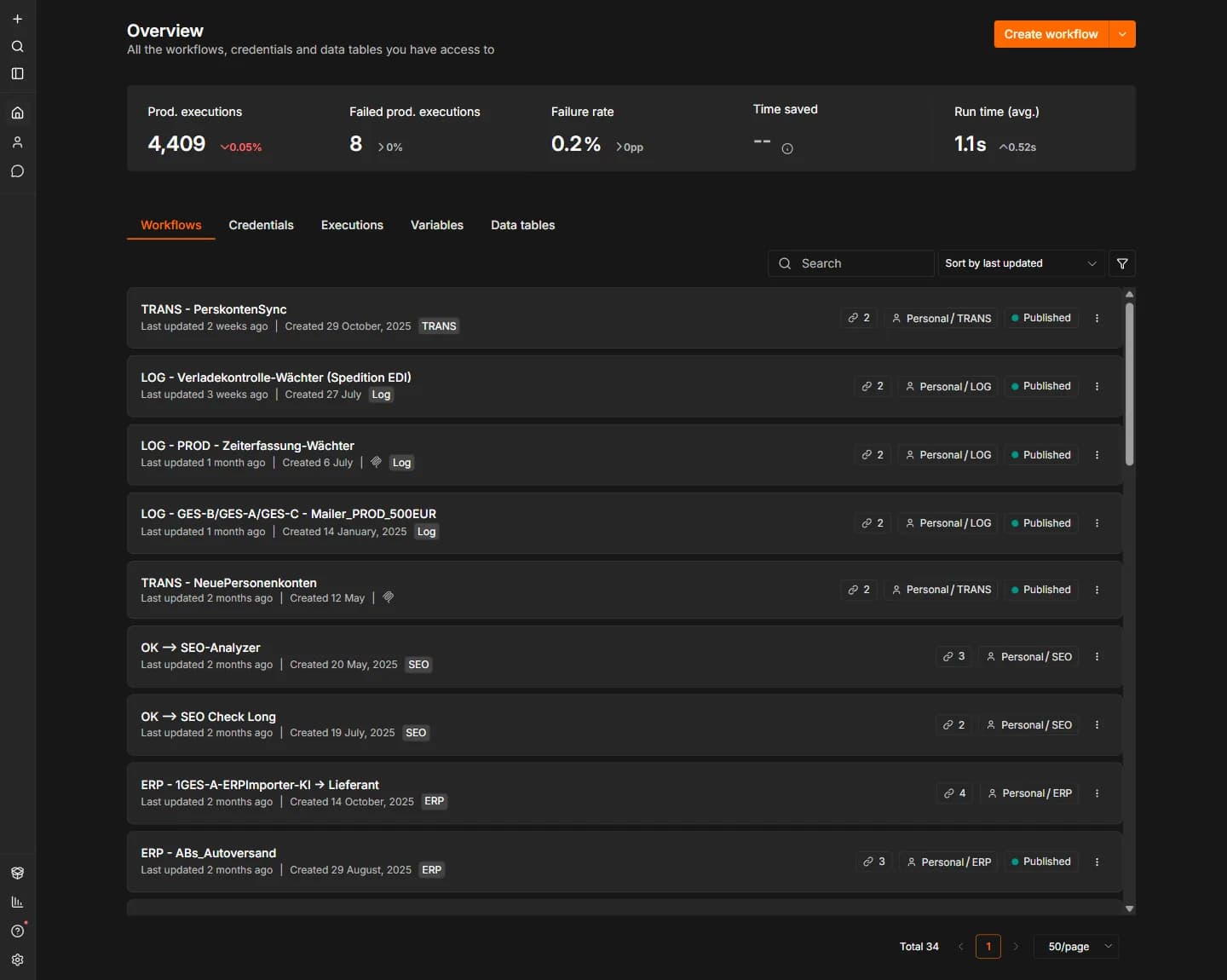
Process automation with n8n
26 small watchdogs and data bridges that report before month-end does.
Similar problem?
Tell us what you're planning, a short call clarifies whether it pays off.