 senn-tech
Process automation with n8n
Reference client: Logistics and trading group in Tyrol, Austria · ~100 employees · 4 sites
Customer data in copy and images has been neutralised.
Starting point
Every company has process gaps too small to justify their own software: Was the loading really checked? Are production hours fully recorded? Did anyone react to the order errors? Until now, month-end closing answered those questions, too late.
Individually these are small things. Added up, they are the holes through which money and data quality quietly drain away.
The hard part
The appeal of such a platform is that an automation stands up in hours instead of weeks. The danger is the same one. After two years you have two dozen of them, and the question is no longer whether they run but whether anybody still knows what they do and what they depend on.
Then there is the most awkward property of a watchdog: it only speaks up when something is wrong. Silence can mean everything is fine, or that it has not run for three weeks. From the outside the two states are identical.
And an automation almost inevitably touches credentials for the ERP, the database and the mail server. Where those live decides whether the platform is a relief or an additional risk.
Solution
A self-hosted n8n instance now runs 26 production workflows: watchdogs that report recording gaps the same day; data bridges between ERP and TMS; automatic notifications via email; recurring check and report jobs.
Each workflow is small, visible and built in hours rather than weeks, and when the process changes, the workflow changes with it.
How it is built
The platform runs self-hosted with its own database behind it: no cloud subscription, no company data at a third party, and the execution history is kept for as long as it is needed.
Every workflow has exactly one job, a named owner and its own failure path. That is a deliberate decision against the one large flow with twenty branches: a small workflow doing something wrong gets switched off without nineteen other things stopping too.
Credentials live in the platform's credential store and not inside individual nodes. That way no password appears in an exported flow: the usual route by which such data goes missing.
The platform itself feeds the in-house SIEM. It monitors processes; something has to monitor it.
Day-to-day operation
Around 300 runs a day happen without anyone's involvement. What matters is not that figure but that every failed run reaches somebody: specifically the person who can do something about it, not a shared mailbox where it sits between forty other messages.
The flows are exported under version control. An automation that exists only in the user interface is, after a server failure, knowledge nobody has any more.
When a process changes, the workflow changes with it, usually the same day. That is exactly what this approach is for: the gaps too small to justify their own software, whose sum is nevertheless clearly visible at month-end.
Outcome
Around 8,800 automated runs in the last 30 days: work that previously sat waiting or was done by hand.
Deviations show up the same day instead of at month-end. Licence costs: none.
What we learned
A watchdog that only reports deviations conceals its own failure. So every flow also reports that it ran. A regular sign of life is cheaper than a blind spot that only surfaces when it costs you.
Automation does not replace a process, it amplifies one. A workflow on top of an unclear procedure makes the confusion faster and not smaller. Twice during implementation we realised the procedure itself was the problem, and once it was clarified the automation was no longer needed at all, which is not wasted effort but the best possible outcome.
A flow is small when one person can explain it in a sentence. If the sentence is not enough, it is two flows that crept together. The measure is comprehensibility and not the number of nodes.
Other projects we run
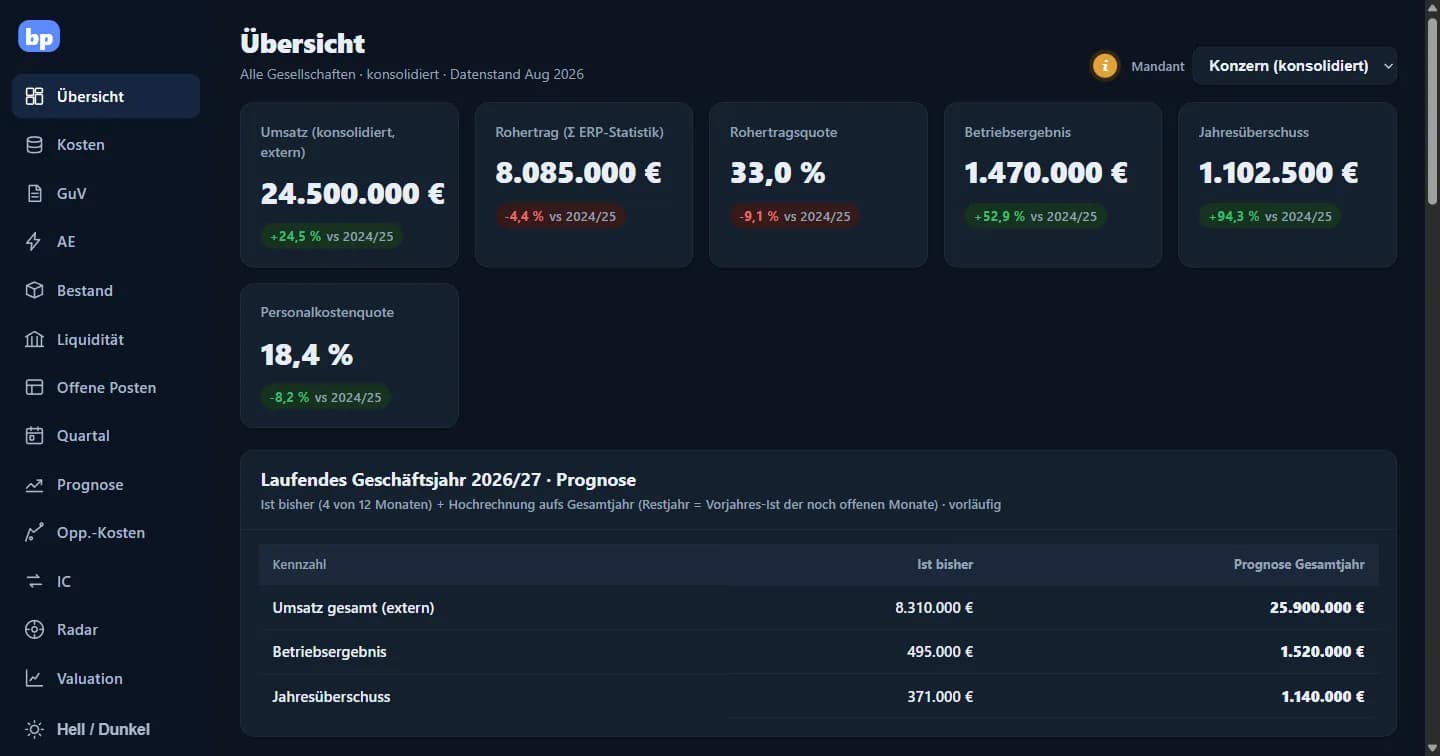
BI & controlling apps for management
From Excel chaos to a group cockpit: numbers for Monday morning and not month-end.
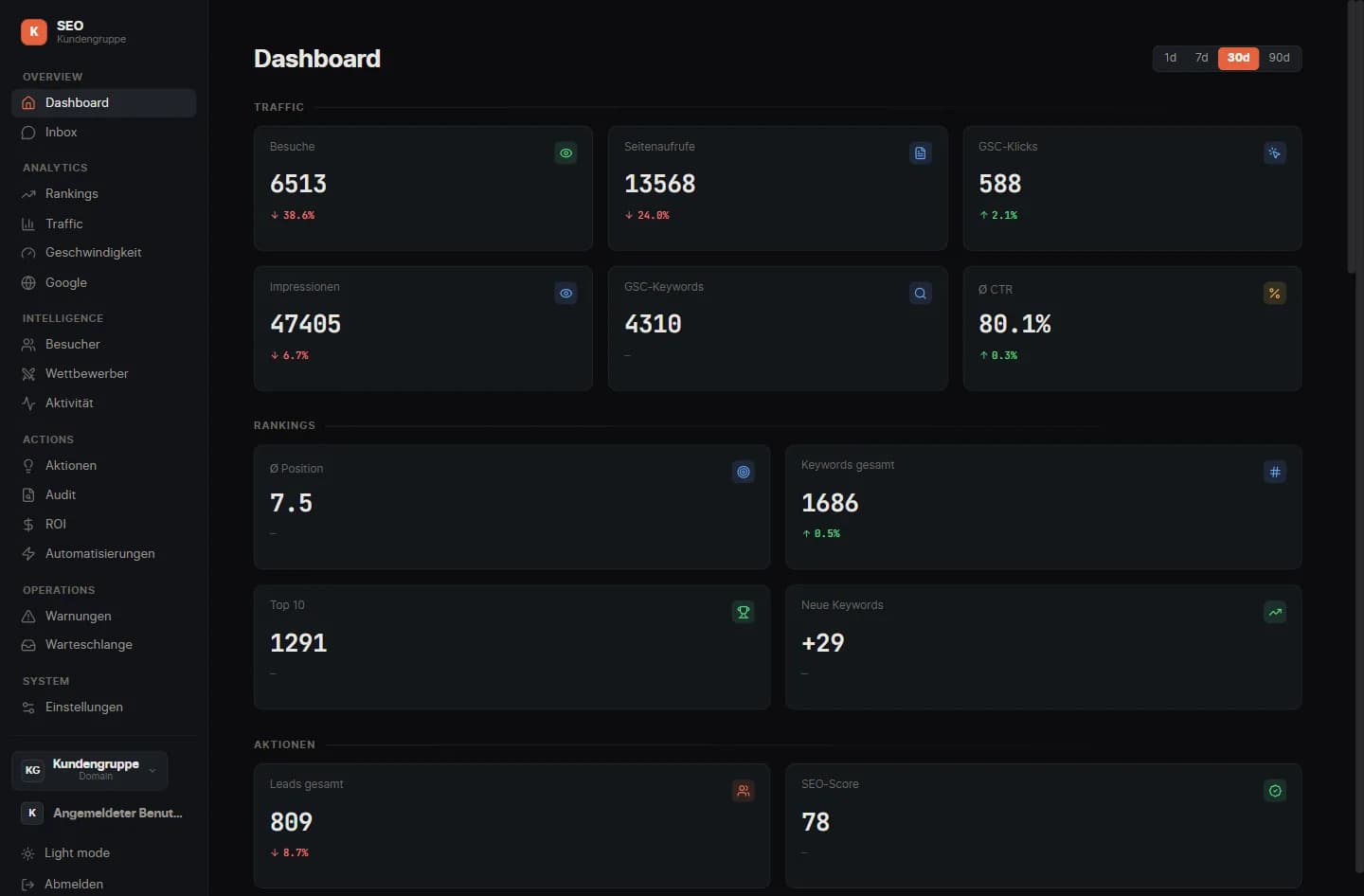
Web development with SEO & GEO
Websites that get found: by Google and by AI search.
Similar problem?
Tell us what you're planning, a short call clarifies whether it pays off.