 senn-tech
5K Displays for the Mac: Studio Display, XDR, or BenQ?
We’re currently looking for a display for our Mac and have reviewed the candidates. This post is therefore not a review, but rather a basis for decision-making: published specifications, prices from price comparison sites, and third-party reviews. None of the devices were physically on our desk.
The Starting Point
A Mac needs a display that renders text crisply. That sounds trivial, but it’s the whole point: macOS is built for a specific pixel density. 27 inches at 5120 × 2880 results in about 218 ppi, and at this density, macOS renders the interface without any scaling. Anything below that forces scaling—resulting in visibly softer text.
This already severely limits the selection. There are only a handful of 27-inch 5K displays available.
The Candidates
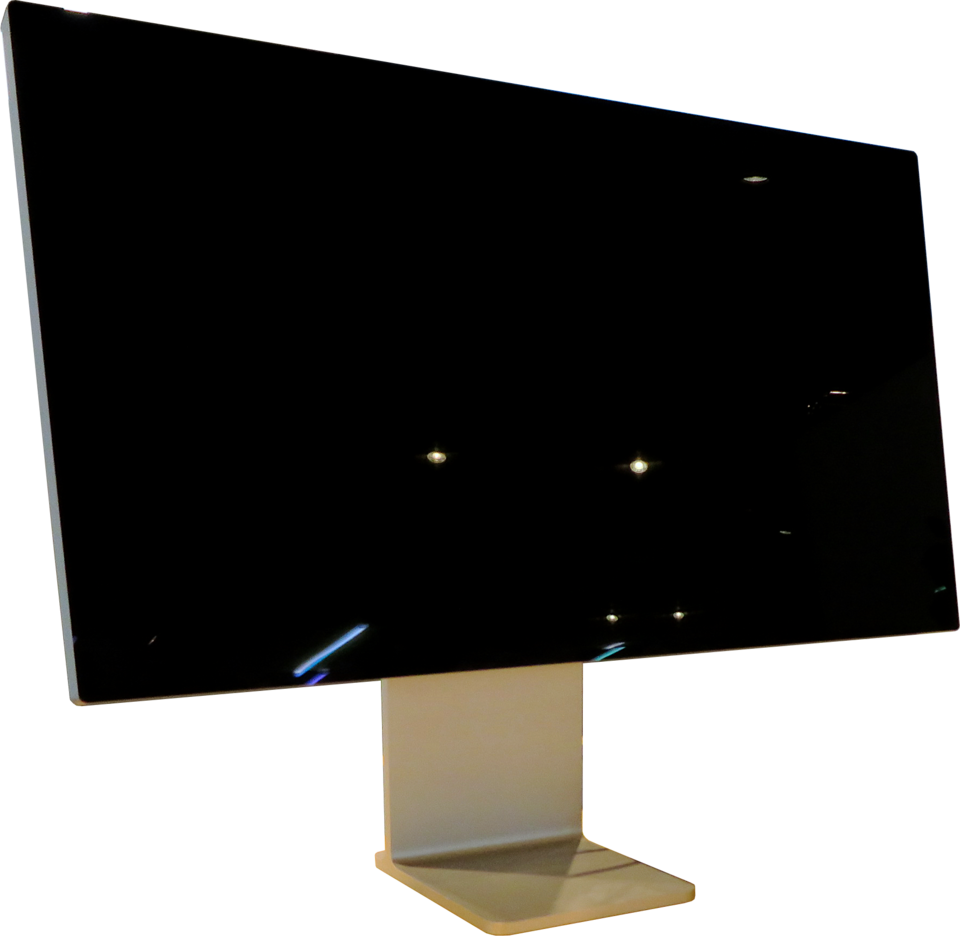
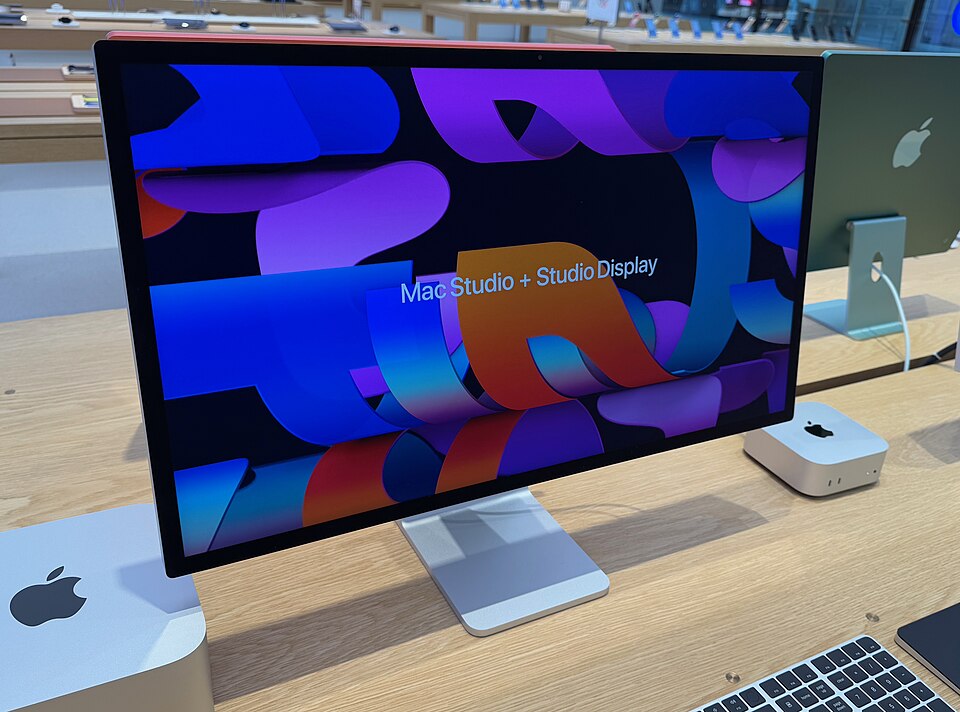
Apple Studio Display (2026) — 1,699 euros with standard glass and a tiltable stand or VESA adapter. Nanotexture glass costs 1,999 euros, and the height-adjustable stand adds 400 euros to the price: 2,099 euros or 2,399 euros, respectively. According to the price comparison, street prices are lower.
Apple Studio Display XDR — starting at $3,299, with the Nano-texture panel costing an additional $300. We did not have a euro list price for Austria from the same source.
BenQ MA270S — $999, glossy “Nano Gloss” panel, 5120 × 2880 at 27 inches, 218 ppi, 99 percent DCI-P3, DisplayHDR 400. Tiltable, swivelable, and rotatable 90 degrees.
BenQ PD2730S — $1,199, from the DesignVue series for color work, with more ports and better ergonomics than Apple.
The key point: the panel is outdated
Apple’s new model is the real surprise in this comparison—in a negative sense. New features include the A19 chip instead of the A13 Bionic, a 12-MP Center Stage camera with Desk View, a three-microphone array, and six speakers with about 30 percent more bass.
What’s not new is the display. The 2026 Studio Display sticks with 60 Hz, traditional LED backlighting, and 600 nits. No ProMotion, no HDR. Both features are exclusive to the Studio Display XDR: 120 Hz, Mini-LED with 2,304 dimming zones, 1,000 nits SDR, 2,000 nits peak brightness in HDR, a contrast ratio of 1,000,000:1, and Thunderbolt 5. Gizmodo sums it up: Of the two new displays, exactly one has 120 Hz and HDR. Macwelt calls the new version “new wine in old wineskins.”
That fundamentally changes the equation. When you buy a display, you’re usually buying the picture. With the Studio Display 2026, you’re paying the premium over the BenQ for the chip, camera, microphones, and speakers—not for the display itself. Whether that’s worth the difference depends on whether you actually use the monitor’s camera and audio. If you already have an external camera and your own microphone set up at your desk, you’re paying for hardware that stays silent.
What You Sacrifice with the Cheaper Option
Brightness. At 600 nits, Apple outperforms the BenQ models. In a bright room with a window behind you, that makes a noticeable difference.
Build quality and integration. The enclosure, the feel of the materials, and the integration with macOS all speak in Apple’s favor—adjusting brightness via System Preferences instead of buttons on the enclosure is a small detail you’ll notice every day.
Conversely, Apple sacrifices something: Ergonomics. The MA270S comes factory-configured to tilt, swivel, and rotate 90 degrees. With the Studio Display, height adjustment alone costs an extra 400 euros—which is hard to justify for a device that starts at 1,699 euros anyway.
Our Decision — Still Undecided
We haven’t made up our minds yet, and that’s the honest answer. But the situation is clearer than before:
- The Studio Display XDR is the only device in the field with true HDR and 120 Hz. It’s the right choice for color work on moving images—and that’s the only thing that justifies the price.
- The Studio Display 2026 makes sense if you actually use the camera, microphones, and speakers, and the rest of your work environment is Apple.
- The BenQ MA270S offers the same resolution and pixel density for significantly less money and better ergonomics. For pure text and code work, it’s objectively the strongest contender.
For our use case—text, code, terminals—there’s a strong case for the BenQ. Before making a decision, however, we want to see a unit in person: A glossy panel behaves differently in a room with windows than any spec sheet would suggest, and that’s precisely what can’t be deduced from specifications.
Addendum to clarify terminology: We’re looking for a display for a Mac. The “Mac Studio” is the computer, the “Studio Display” is the monitor—and the model with the M5, which is currently the subject of speculation, is the computer and has not been announced. If you’re also looking for a new phone, check out our thoughts on the vivo X300 Ultra in the adjacent post.
Why go with a 5K display at all instead of a more affordable 4K display?+
Because of scaling in macOS. A 27-inch panel with 5120 × 2880 pixels comes to about 218 pixels per inch, and that’s exactly what macOS’s Retina display is designed for: Two device pixels form one pixel of the user interface without the need for intermediate calculations. A 27-inch 4K display has about 163 ppi and forces macOS to use a scaled display, which renders text visibly softer. Anyone who spends all day reading code or text will notice this difference—but with video or photos, it’s hardly noticeable.
What has changed with the 2026 Studio Display compared to the 2022 model?+
Everything except the panel. New features include the A19 chip instead of the A13 Bionic, a 12-MP Center Stage camera with Desk View, a three-microphone array, and a six-speaker system with about 30 percent more bass. The display itself remains unchanged: 27 inches, 5120 × 2880, 60 Hz, classic LED backlighting, 600 nits. No ProMotion, no HDR—those features are only available on the significantly more expensive Studio Display XDR. If you’re buying the display for the picture quality, you’re getting the same screen as in 2022.
Is a BenQ display good enough, or can you tell the difference compared to Apple?+
You’ll notice it, but not where you’d expect. The resolution and pixel density are identical—5120 × 2880 on a 27-inch screen, 218 ppi. There are differences in brightness (Apple leads with 600 nits), build quality and material feel, as well as in how it integrates with macOS—for example, when adjusting brightness via System Preferences. Conversely, BenQ offers better ergonomics: The MA270S can be tilted, swiveled, and rotated 90 degrees, a feature that costs an additional 400 euros on the base model of the Studio Display.