 senn-tech
Our own Microsoft 365 backup with restore at the click of a button
Reference client: Logistics and trading group in Tyrol, Austria · ~100 employees · 4 sites
Customer data in copy and images has been neutralised.
Starting point
Microsoft keeps the Microsoft 365 infrastructure running, but that does not protect the content against a deletion mistake. Whoever deletes a mailbox, a file or a Teams chat by accident has no second copy after the retention period. The group used a bought-in backup product for this.
We wanted the restore in our own hands: where the data lives, who may bring it back and what that costs.
The hard part
A backup only counts once you can restore from it. So the restore test came first: in September 2026 we brought back a OneDrive file and a single mail from the backup.
Microsoft throttles requests per app. The first full pull across mailboxes, files and chats therefore takes days, and we planned seven to ten. The runs go one after the other, not in parallel.
We grant write permissions for mailboxes only through the Exchange roles for applications, limited to the group's mailboxes. For files and sites Microsoft only offers write permissions for the whole tenant. We accepted that and documented it.
Solution
We took the open backup engine Atlas (version 5.2.1) as a fork and built our own console in front of it, with schedule, search, preview and restore. The data sits on a ZFS store on the group's backup server.
Restoring works three ways: into the original folder, into a separate folder called Restored, or as a download. One mail arrives as .eml, several as .zip, one file as the file itself.
How it is built
The console runs in a container on the backup server and is reachable only through the reverse proxy. A firewall rule allows connections to its port only from there. Login needs a password and TOTP, and a session ends after 30 minutes idle.
Backup data and database sit on separate ZFS datasets. A timer takes a snapshot every hour and keeps 24 hourly, 30 daily and 104 weekly ones.
Day-to-day operation
Every run reports its result by mail to the people responsible, with duration and errors. An interrupted or skipped backup counts as an error, not as a notice.
New versions are rolled out only when no backup run is active. A script waits for that and aborts if it takes too long.
We examined the security in three review rounds in October 2026. A restore test followed, which the backup passed.
Outcome
In October 2026 about 750 GB sit in the backup store. Four services are backed up every night, and the store takes snapshots every hour. A member of the IT team tested the restore himself.
What we learned
The first restore test looked like a failure. The mail was back, but sat in a subfolder called Restored, and the folder in the usual place was empty. The restore was correct, the console just had not said so. Since then it names the target folder and the number of objects, and restoring into the original folder exists.
A tile showed 145 GB of protected data, but the real figure was about 650 GB. It had counted the newest snapshot instead of the whole chain.
Other projects we run
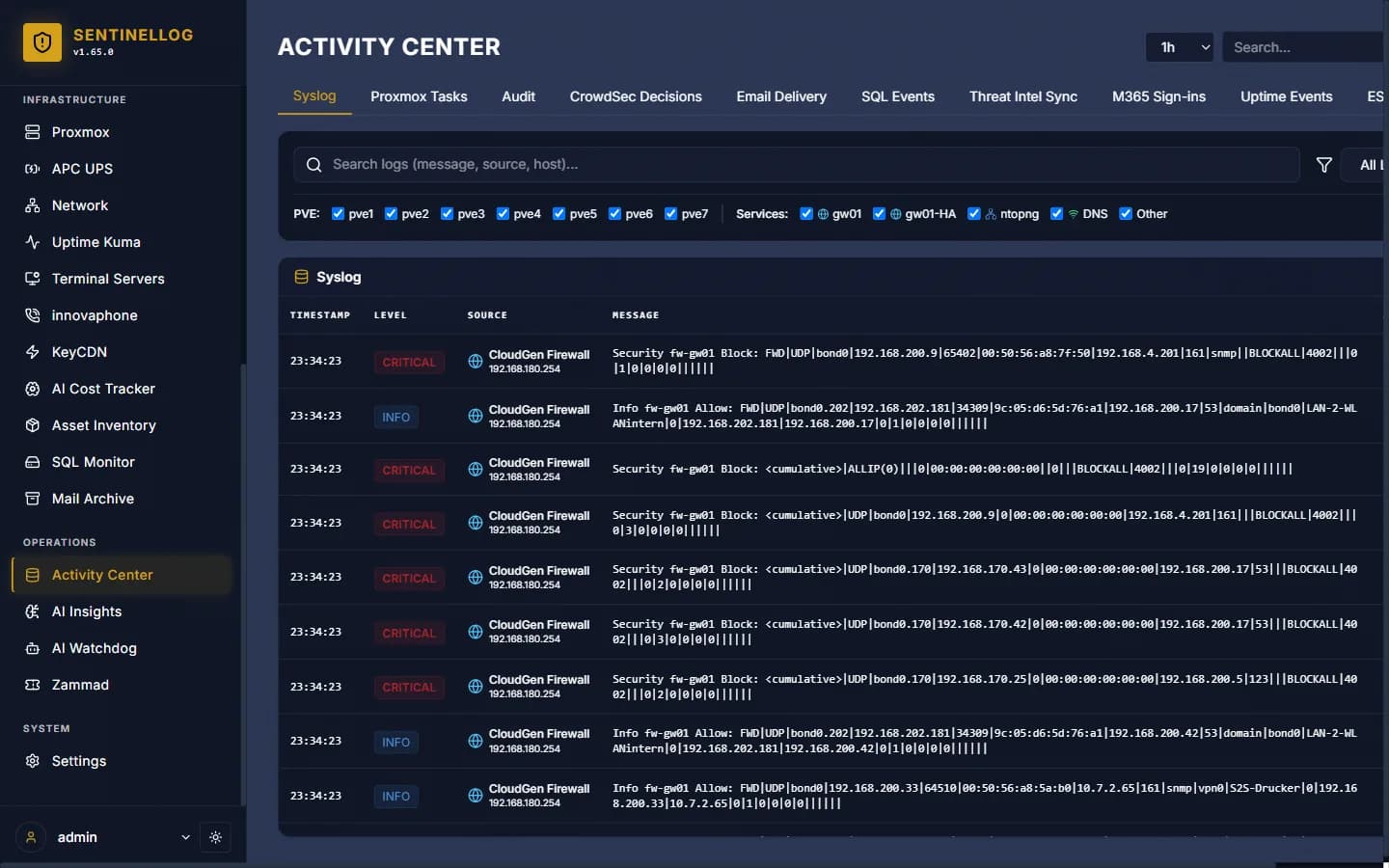
SIEM & security monitoring with real-time correlation
Company-wide logs in one place, and only the alerts that matter.
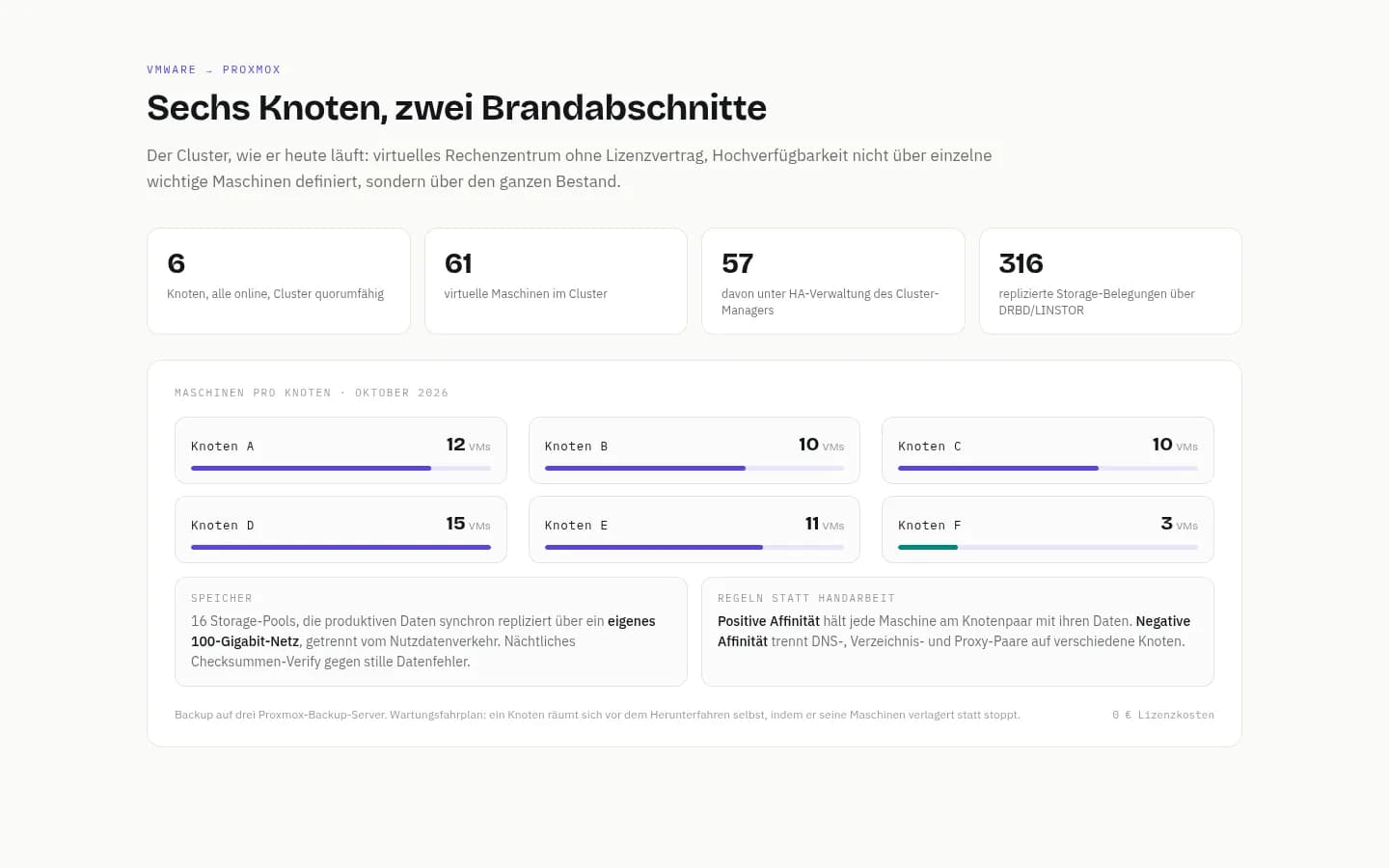
Migrating from VMware to Proxmox
Out of the licence trap: a six-node HA cluster across two sites, migrated during live operation.
Similar problem?
Tell us what you're planning, a short call clarifies whether it pays off.