 senn-tech
LLM Frontends: OpenWebUI vs. LibreChat
An LLM without a frontend is just an API endpoint. For daily use, you need a frontend, chat, file upload, model selection. OpenWebUI and LibreChat are the two leading self-hosted options.
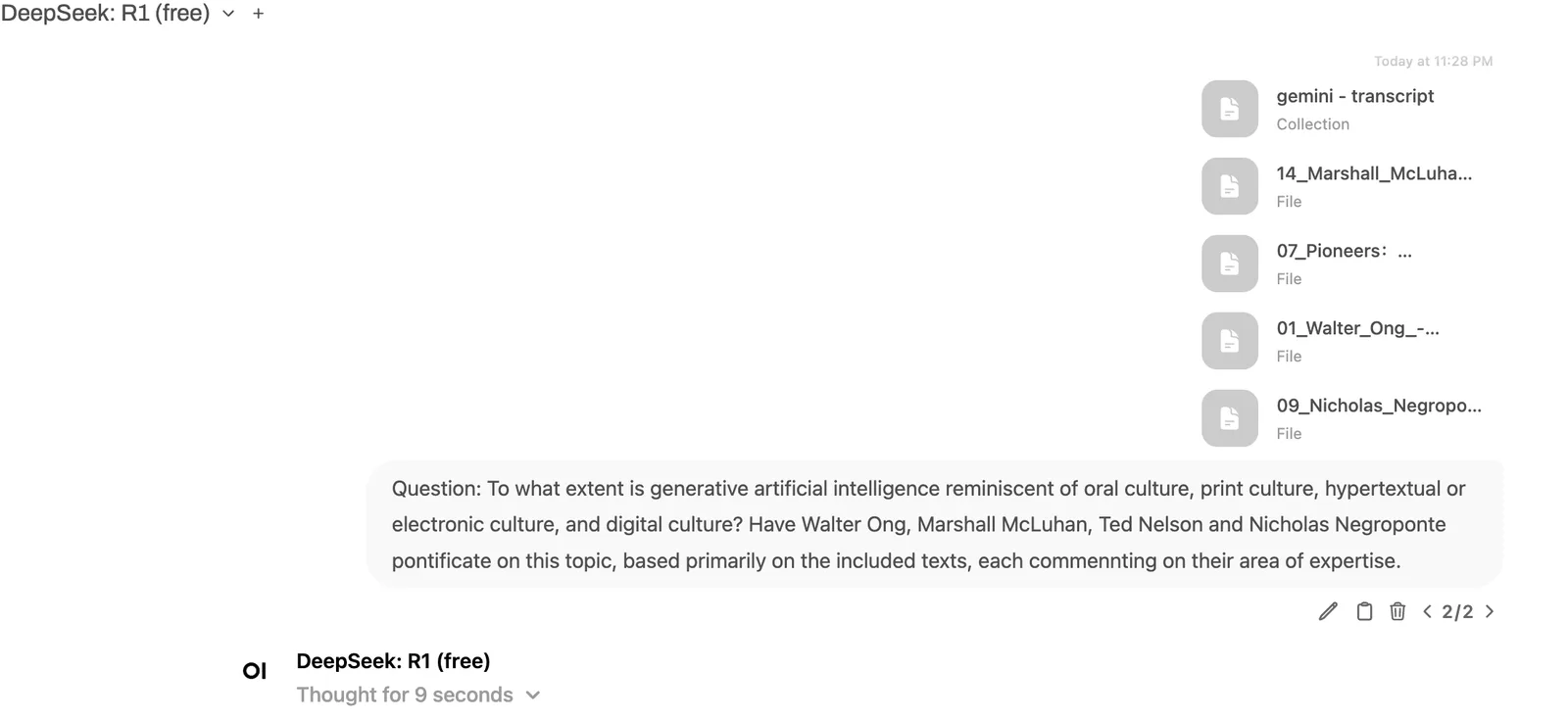
OpenWebUI
OpenWebUI feels like ChatGPT, only under your own control. It talks to Ollama or OpenAI-compatible endpoints, understands Markdown, code highlighting, and can drag files directly into chat.
RAG integration is direct: documents are chunked into vectors on upload and automatically used as context. No separate vector DB setup needed.
What stands out positively: user management. Roles, groups, model access per user are configurable. For teams with varying requirements, this is a crucial feature.
LibreChat
LibreChat is leaner and more flexible. It supports multiple providers in parallel, OpenAI, Anthropic, Google, local endpoints, and switches between them with a click. The interface is clean, multilingual, and configurable.
Where LibreChat excels: multi-model chats. You start a prompt and route it in parallel to Claude and a local model, responses appear side by side. For comparisons and model evaluation, this saves real time.
Direct Comparison
| Criterion | OpenWebUI | LibreChat |
|---|---|---|
| Focus | Team tool with RAG | Multi-provider, experimentation |
| RAG | Integrated (upload → vectors) | Rather external/manual |
| Parallel multi-model | , | Yes (responses side by side) |
| User management | Roles, groups, model access | Simpler |
| Providers | Ollama, OpenAI-compatible | OpenAI, Anthropic, Google, local |
| Ideal for | Teams with documents | Model comparison & development |
Which for Whom?
For team use with document RAG and user roles: OpenWebUI. For model comparisons, provider flexibility, and rapid experimentation: LibreChat.
Both run as Docker containers, both are ready in 10 minutes. We operate both; OpenWebUI as the standard team tool, LibreChat for development and testing.
Conclusion
The choice is not an either/or. Both complement each other, both are open source, and both bring local LLMs to a usable UI. What matters is having your own frontend, and not depending on a SaaS drip.
Further Reading
OpenWebUI or LibreChat, which frontend fits us?+
For team use with document RAG and user roles, OpenWebUI is the better choice: roles, groups, and per-user model access can be finely controlled. LibreChat excels at parallel multi-model comparison and provider flexibility, since it drives OpenAI, Anthropic, Google, and local endpoints side by side. The two complement each other and both run as Docker containers in minutes.
Do we need a separate vector database for RAG?+
Not with OpenWebUI. Uploaded documents are automatically chunked into vectors and used as context, with no separate vector DB to set up. With LibreChat, RAG tends to be external or manual. If you want to search documents directly in chat, OpenWebUI gets you there faster; if you need full control over the vector pipeline, LibreChat is the pick.
Is a self-hosted LLM frontend worth the effort versus SaaS?+
Yes. Both tools are open source and bring local LLMs to a usable UI without leaving you dependent on a SaaS drip. The effort is modest, since both are ready as Docker containers in about ten minutes. Anyone who needs to keep sensitive data in-house, run model comparisons, or use RAG gains sovereignty with their own frontend and avoids lock-in.