 senn-tech
Git In-House: Gitea and Forgejo
The agent writes code, but where does it live? GitHub and GitLab are powerful, but they are SaaS. Gitea and Forgejo are the open-source alternatives that run on your own server and bring everything a team needs.
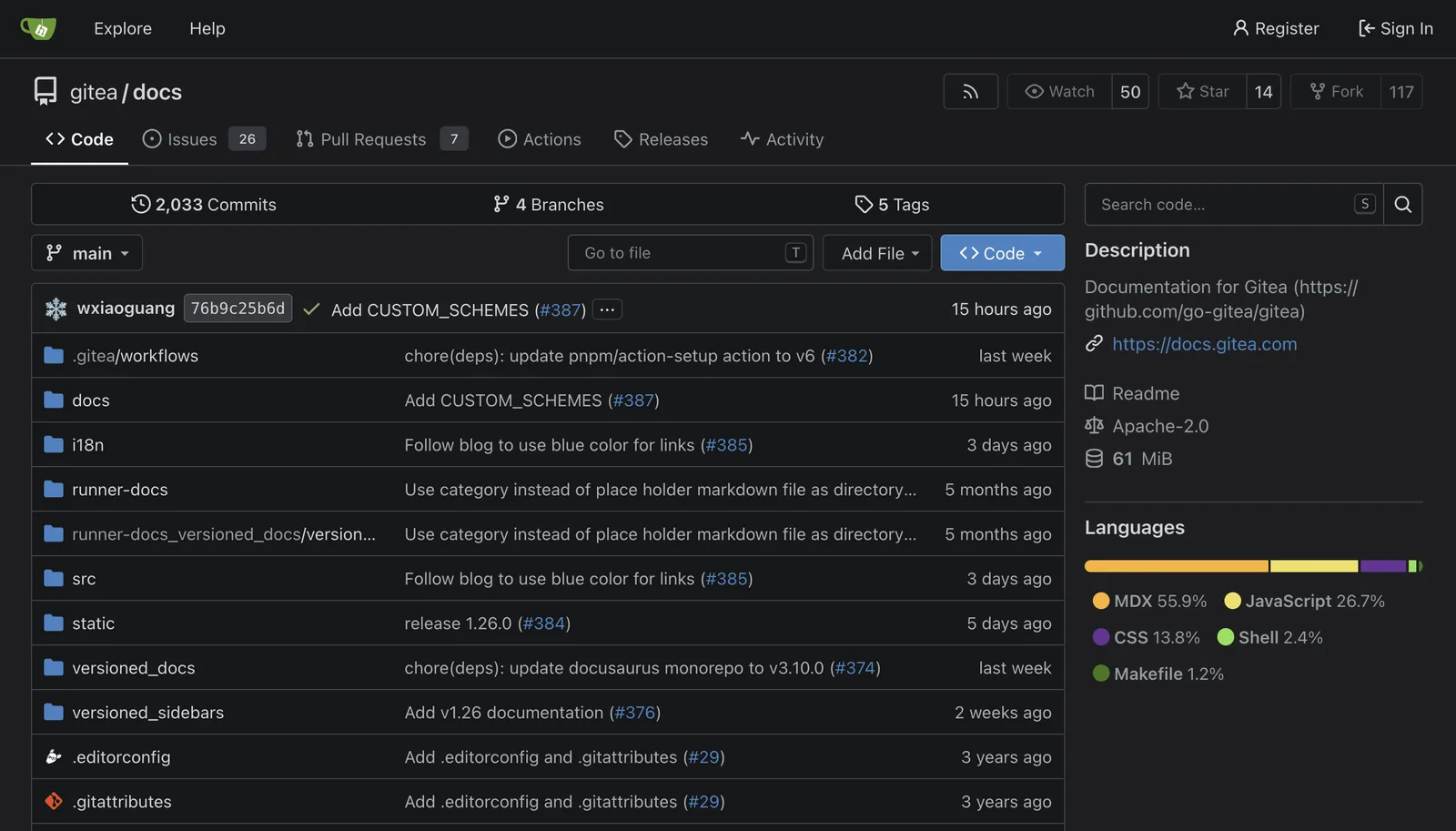
Gitea vs. Forgejo: The Small Difference
Gitea is the established self-hosted Git service, a single binary, a Docker container, a PostgreSQL database. Forgejo is a Gitea fork that emerged in 2022 due to governance concerns; since the hard fork in 2024, it has been under a strict copyleft license with its own profile: The focus lies on community governance and federation (ActivityPub-based networking of instances).
Both can:
- Host Git repositories with a web UI, branches, and tags
- Handle pull requests with code review
- Manage issues with labels, milestones, and boards
- Run Actions/CI runners (Gitea Actions are GitHub Actions-compatible)
- Provide a package registry (Docker, NPM, Maven)
In practice, the difference plays hardly any role for SMBs today. Both run stably, both have a web interface reminiscent of GitHub. Those who value pure community governance choose Forgejo; those seeking greater commercial backing opt for Gitea.
Setup: One Container
docker run -d --name gitea \
  -p 3000:3000 -p 2222:22 \
  -v gitea-data:/data \
  gitea/gitea:latest
Setup: Create an admin account, set the domain, and it's running. The reverse proxy (Caddy) handles HTTPS in front, Keycloak takes care of SSO. The /data volume belongs in the backup chain, it contains repositories, the database, and configuration.
Why On-Premises?
The source code is the company's intellectual property, including configurations, scripts, prompts, and MCP server code. Hosting it on GitHub or GitLab is convenient, but:
- NIS2: Code repositories fall under the assets to be protected
- Data sovereignty: Confidential configurations, secrets, customer projects
- Fault tolerance: Your own Git server runs in your own cluster, not in AWS us-east-1 during an outage
CI/CD with Gitea Actions
Gitea Actions are GitHub Actions-compatible. A runner (a container) listens for jobs, executes them, and reports back. Build, test, deploy, everything within your own network.
For blog deployment: Push to Gitea, action builds the Next.js image, deploys to the senn-next container. No external CI, no external runner with access to internal servers.
Conclusion
Gitea or Forgejo represent the shortest path from "no Git server" to "full-fledged code management in-house". One afternoon of setup, then years of peace, and every agent writing code checks it in there.
Further Reading
Is the effort of an own Git server worth it versus GitHub?+
For companies with their own code, internal configurations, and customer projects, yes. Source code including secrets, prompts, and MCP server code falls under the NIS2-protected assets, and an own Git server in your own cluster does not drop out during a cloud outage. Gitea or Forgejo are set up in an afternoon as a single Docker container and bring pull requests, issues, and CI; no recurring SaaS contract that gives away sovereignty over your code.
For whom is Forgejo the right choice over Gitea?+
For teams that value pure community governance and federation via ActivityPub. Forgejo is a Gitea fork born from governance concerns, under a strict copyleft license since 2024 with a focus on independent steering and networking of instances. In practice the difference barely matters for SMBs today, both run stably with a GitHub-like interface. Those seeking greater commercial backing stay with Gitea.
Can you really run CI/CD fully in-house?+
Yes. Gitea Actions are GitHub-Actions-compatible: a runner container listens for jobs, runs build, test, and deploy, and reports back; all within your own network with no external runner that has access to internal servers. For deployment you push to Gitea, an action builds the image and deploys. That creates a closed pipeline without dependence on foreign CI infrastructure.