 senn-tech
Docker vs. LXC in Proxmox: When to Use What?
Docker is ubiquitous. LXC is Proxmox's native container technology. The mistake is seeing them as competitors; they are complementary.
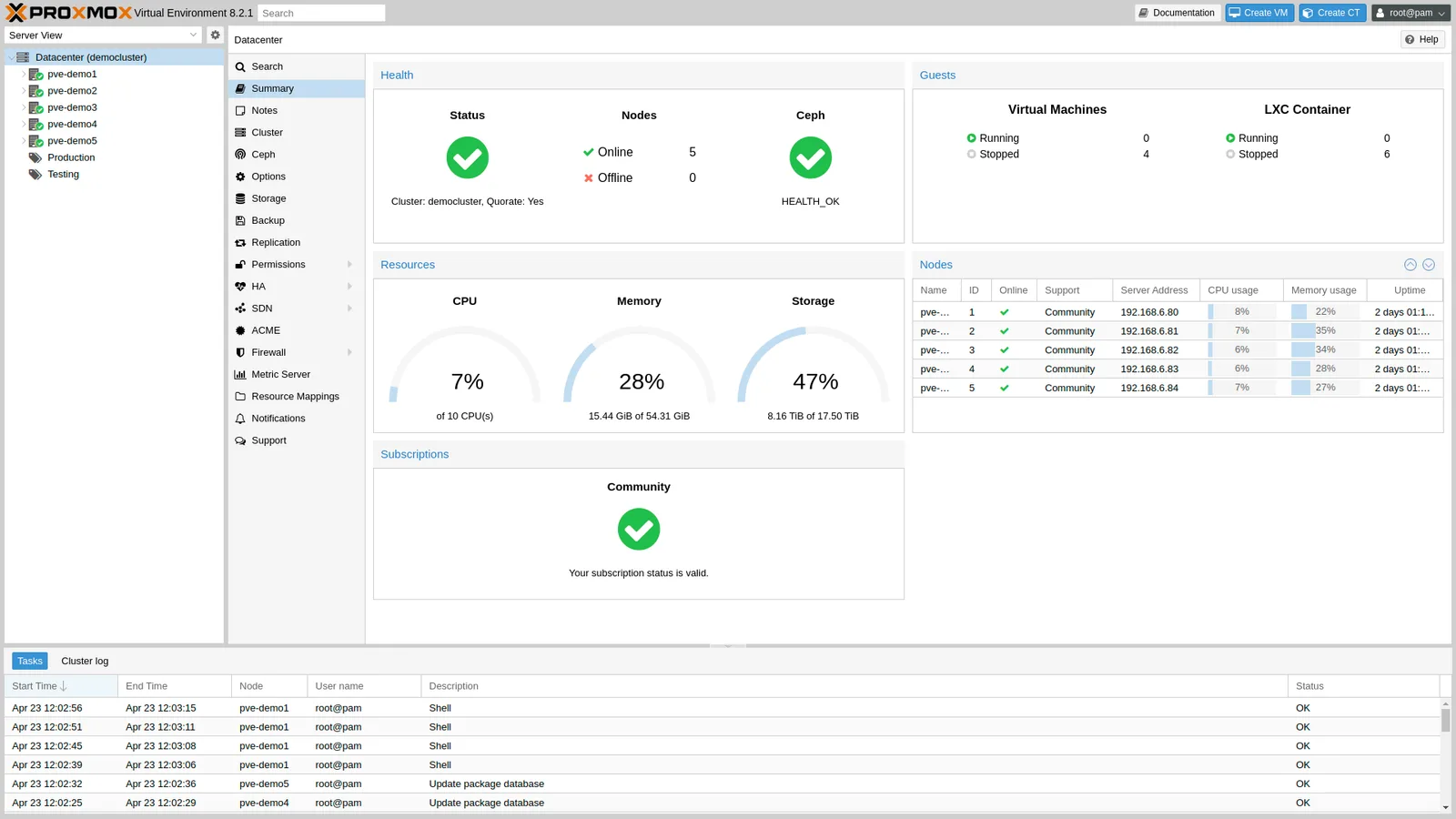
LXC: The Proxmox Native
LXC containers in Proxmox behave like lightweight VMs. They boot a full operating system, have systemd, receive their own IP address, and can be managed like a VM; snapshots, migrations, backup via PBS.
The overhead is minimal because they share the same kernel as the host. This makes LXC ideal for services that don't require special kernel modules: web servers, databases, small Python services.
Privileged or Unprivileged?
Proxmox creates LXC containers as unprivileged by default, and it should stay that way. Root inside the container is then not root on the host (user namespace mapping), which significantly reduces the attack surface. Privileged containers are only needed for special cases (certain mounts, GPU passthrough), and then you should know exactly why.
Docker: The Application Container
Docker packages applications with all their dependencies into an image. It does not run natively on Proxmox; either in a VM or, pragmatically, in a lightweight Ubuntu LXC that hosts Docker.
# In an LXC: install Docker, then:
docker run -d --name metabase -p 3000:3000 metabase/metabase
Docker excels at isolating applications that should start with a single command and whose upstream images are maintained. Uptime Kuma, Metabase, n8n, Paperless-ngx, all are Docker-first.
The Docker-in-LXC Pitfall
Anyone wanting to run Docker in an LXC must set the container feature nesting=1 (and depending on the image, keyctl=1), otherwise the Docker daemon fails silently. Officially, Proxmox recommends Docker in a VM; the LXC variant is the pragmatic shortcut that one should choose consciously and with this knowledge.
The Decision Matrix
| Criterion | LXC | Docker |
|---|---|---|
| Proxmox Integration (Snapshot, Migration) | Full | Only via VM |
| Image Building & Reproducibility | Laborious | Dockerfile, trivial |
| Upstream Images | Rare | Standard |
| Persistent Data | Bind-Mount / Container FS | Volumes or Bind-Mounts |
| Isolation | Unprivileged: good | Kernel-shared or VM-separated |
| Maintenance (OS Updates) | Like VM, apt update | Rebuild/pull image |
Our Rule of Thumb
- Docker in a dedicated VM for applications that prefer Docker images, a VM with Ubuntu Server and Docker that exists solely for this purpose. Proxmox backs up the entire VM via PBS.
- Pure LXC for databases (PostgreSQL, SQL Server on Linux) and custom-built services; due to snapshot capability and PBS integration without an extra layer. Persistent data lands cleanly on a Bind-Mount.
- Never run Docker directly on the Proxmox host: this pollutes the hypervisor and undermines separation.
The Typical Mistake
Putting everything in Docker, even PostgreSQL, even the 500-GB database. Then a Docker update changes volume behavior, and the production system stands still. Databases belong in LXC or VMs, for stability, not dogma.
Conclusion
LXC and Docker do not exclude each other. LXC for system services with long lifecycles, Docker for applications with ready-made images and short lifecycles. The art is operating them in parallel within the same infrastructure without them getting in each other's way.
Further Reading
When do I choose LXC and when Docker in Proxmox?+
LXC for system services with long lifecycles, databases like PostgreSQL or custom-built services, because of snapshot capability and direct PBS integration. Docker for applications with ready-made upstream images and short lifecycles such as Metabase or n8n. The art is running both in parallel without them getting in each other's way. Never run Docker directly on the Proxmox host.
Can we run Docker inside an LXC?+
Yes, but consciously. Proxmox officially recommends Docker in a VM. If you choose the pragmatic LXC variant, you must set the container feature nesting=1 (and keyctl=1 depending on the image), otherwise the Docker daemon fails silently. A slim Ubuntu LXC that hosts Docker is the usual shortcut, once you know how.
Why don't databases belong in Docker?+
For stability, not dogma. Putting everything in Docker, even PostgreSQL and the 500-GB database, risks a Docker update changing volume behavior and the production system standing still. Databases belong in LXC or VMs with persistent data on a bind mount. Docker shines for isolated apps with maintained images, not for holding permanent state.